
DIY / Maintenance / VION Magnetic Phone Mount
// DIY Guide
A clean, sturdy install onto the driver door handle — quick, simple, and no wobble once it's tightened down.
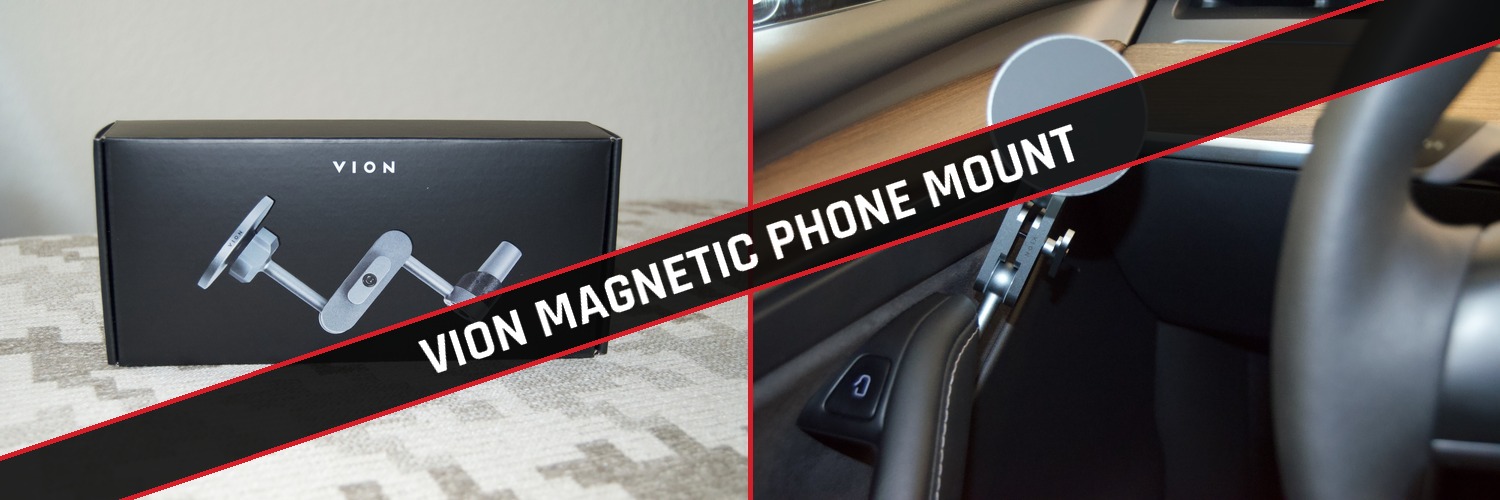
We tried one other highly rated phone mount for our iPhone before this one and ended up returning it after it kept wobbling while driving and had a weak magnetic hold. Our preference now is the Magnetic Phone Mount from VION — it clamps directly to the driver door handle, holds the phone rock solid, and installs in a few minutes with basic tools.
Purchase directly from Vion, with free shipping and 10% off (code: MODMYCO) — cheaper than Amazon, with shipping and handling times nearly identical, if not faster.

Unbox your beautifully packaged VION Magnetic Phone Mount first. To us, the quality of the box alone was impressive — sleek packaging, as if you bought a $2,000 iPhone or Samsung Galaxy, not the cheap packaging most Amazon products arrive in.
Once you pull everything out of the box, take a minute to preassemble the mount before you even open the car door.
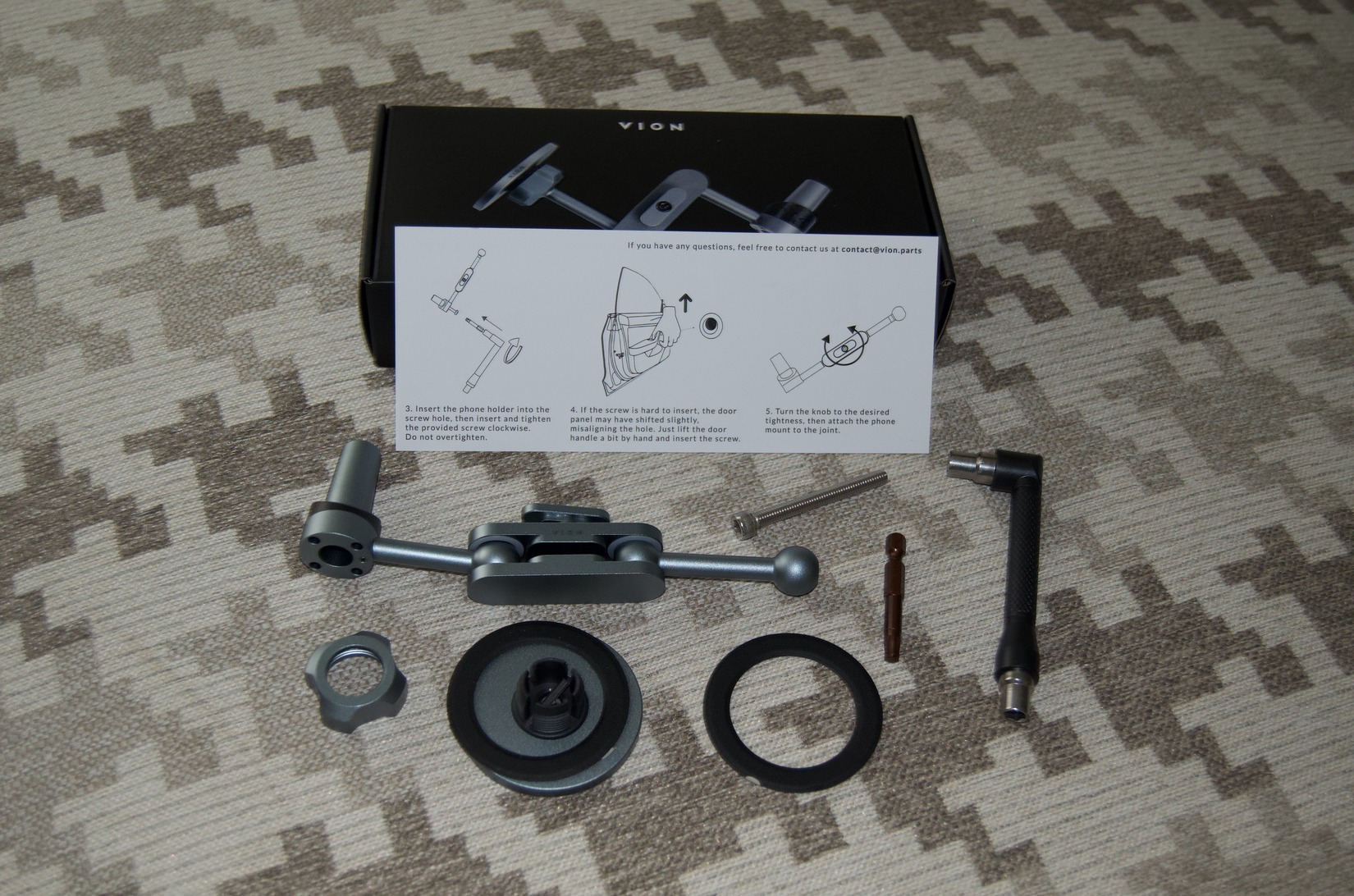
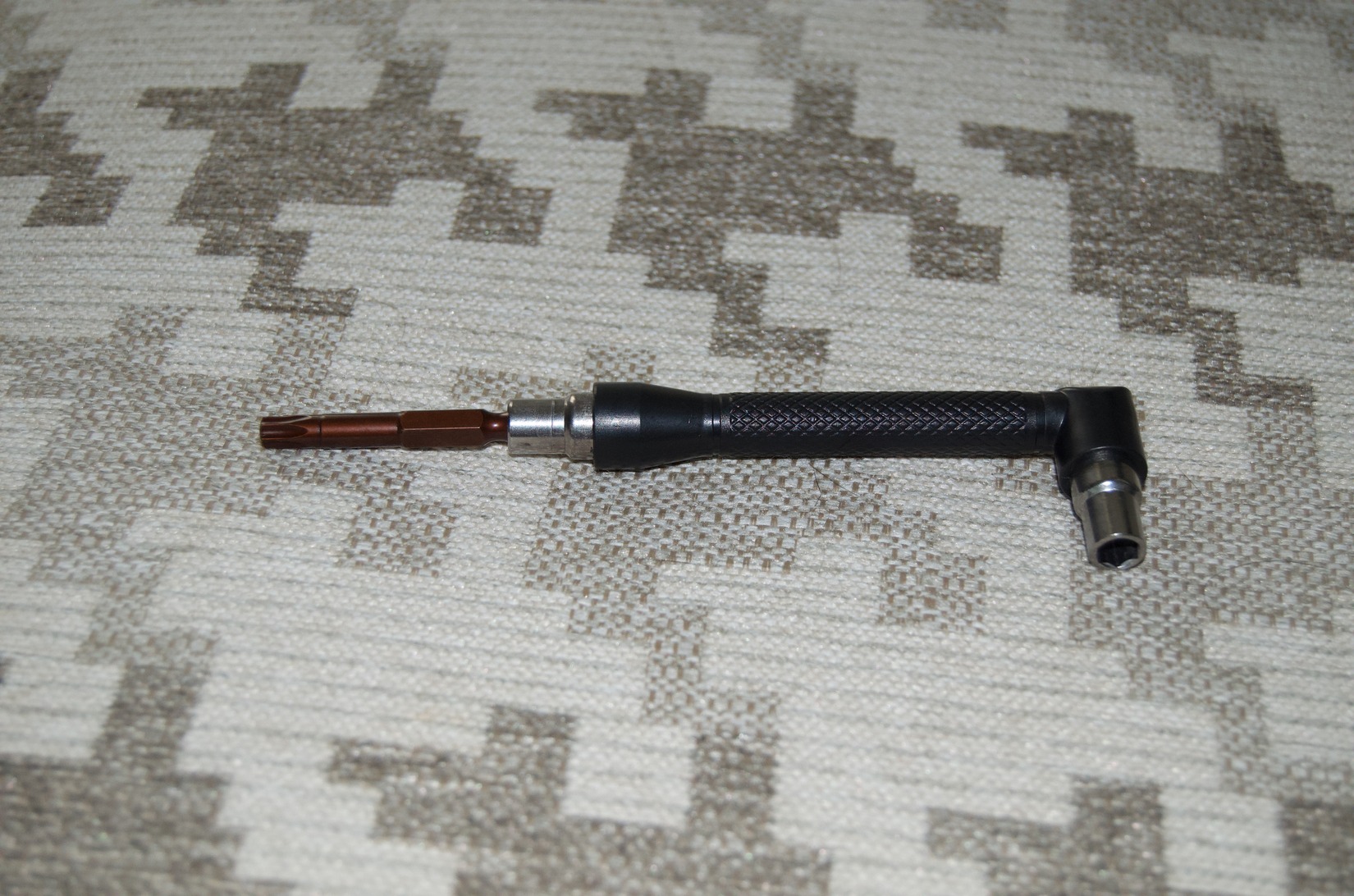
Attach the included T20 adapter into the provided holder. You'll use this to remove the factory bolt from the door handle and install the new T20 bolt.
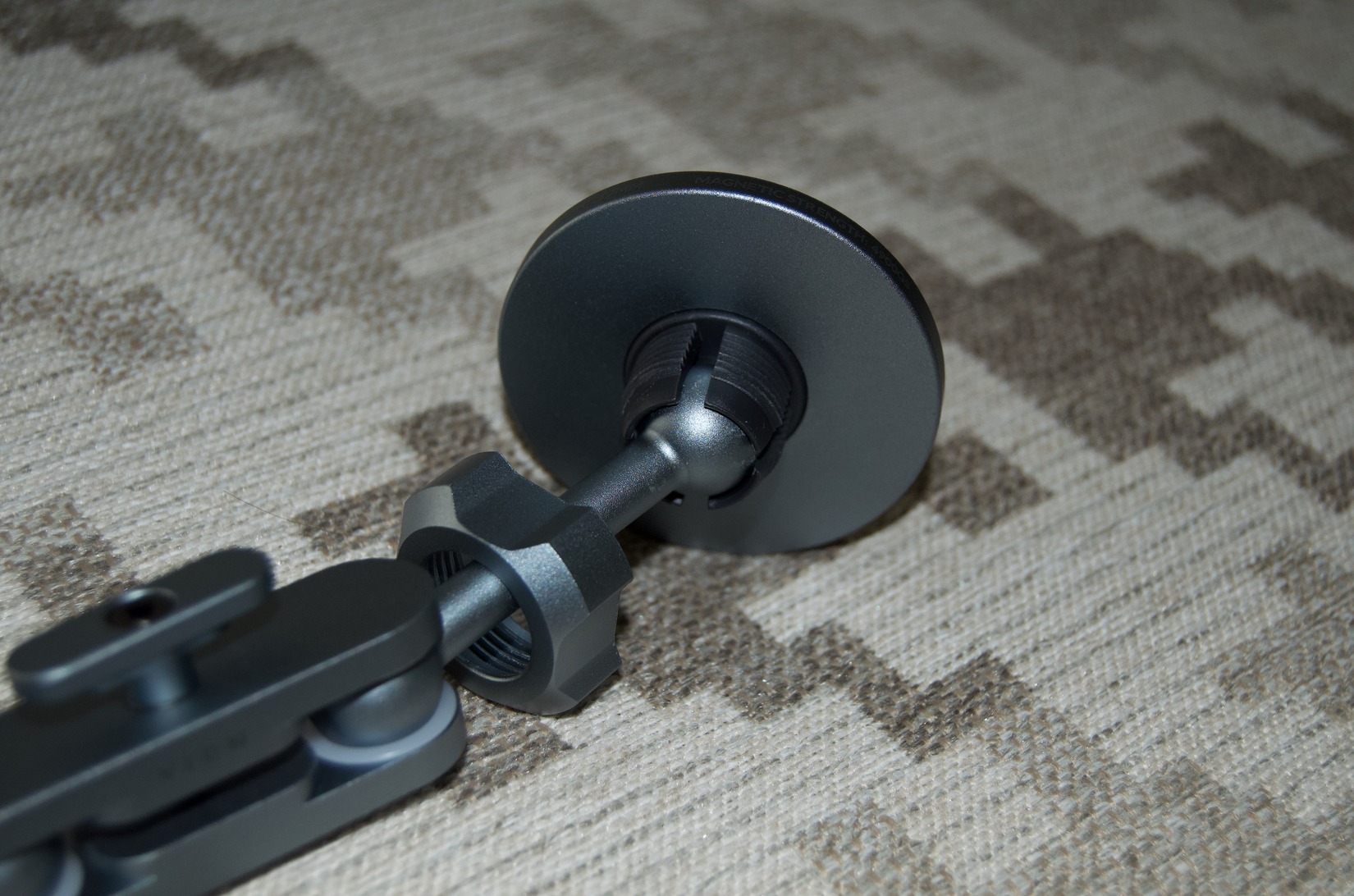
Slide the nut onto the arm of the magnetic mount, then slip the ball into the base of the magnetic holder. Tighten the nut down so it doesn't budge before you move on to the install.
Open your driver door and locate the existing factory bolt at the top of the handle, on the underside.
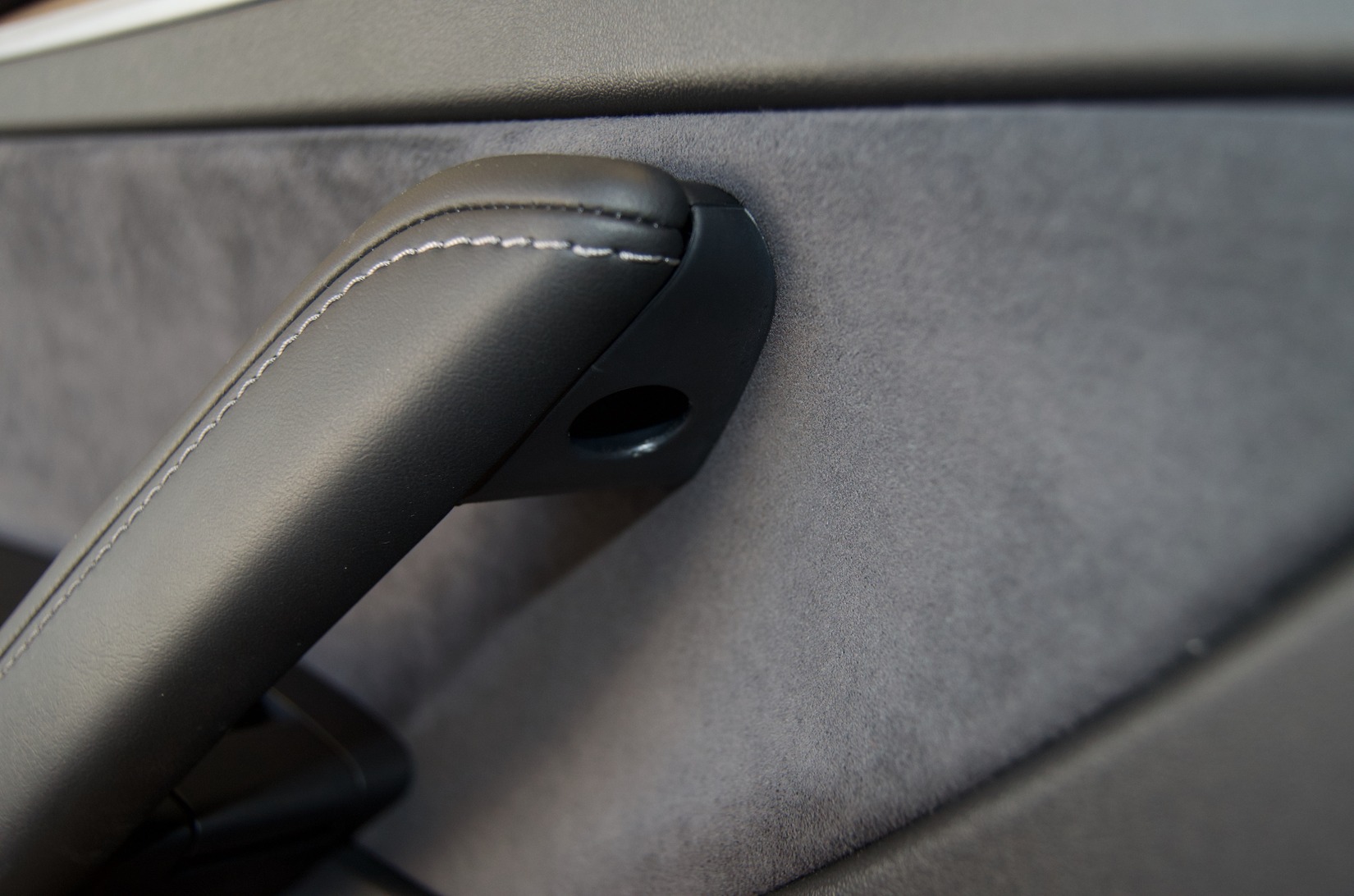
Using the T20 adapter you preinstalled, remove the factory bolt. We found holding the long side of the handle made it easier to break the bolt loose — ours was on tight. Once it's loose, you can switch the T20 bit to the other side of the holder to quickly finish backing it out.
Install the longer T20 bolt provided with the VION holder in place of the factory bolt. Make sure to tighten it down fully — otherwise it can work loose over time from general driving and bumps in the road.
Position the holder to your liking, then tighten it down using the handle built into the arm. The tighter the better, but don't overdo it to the point of risking damage to the threads.
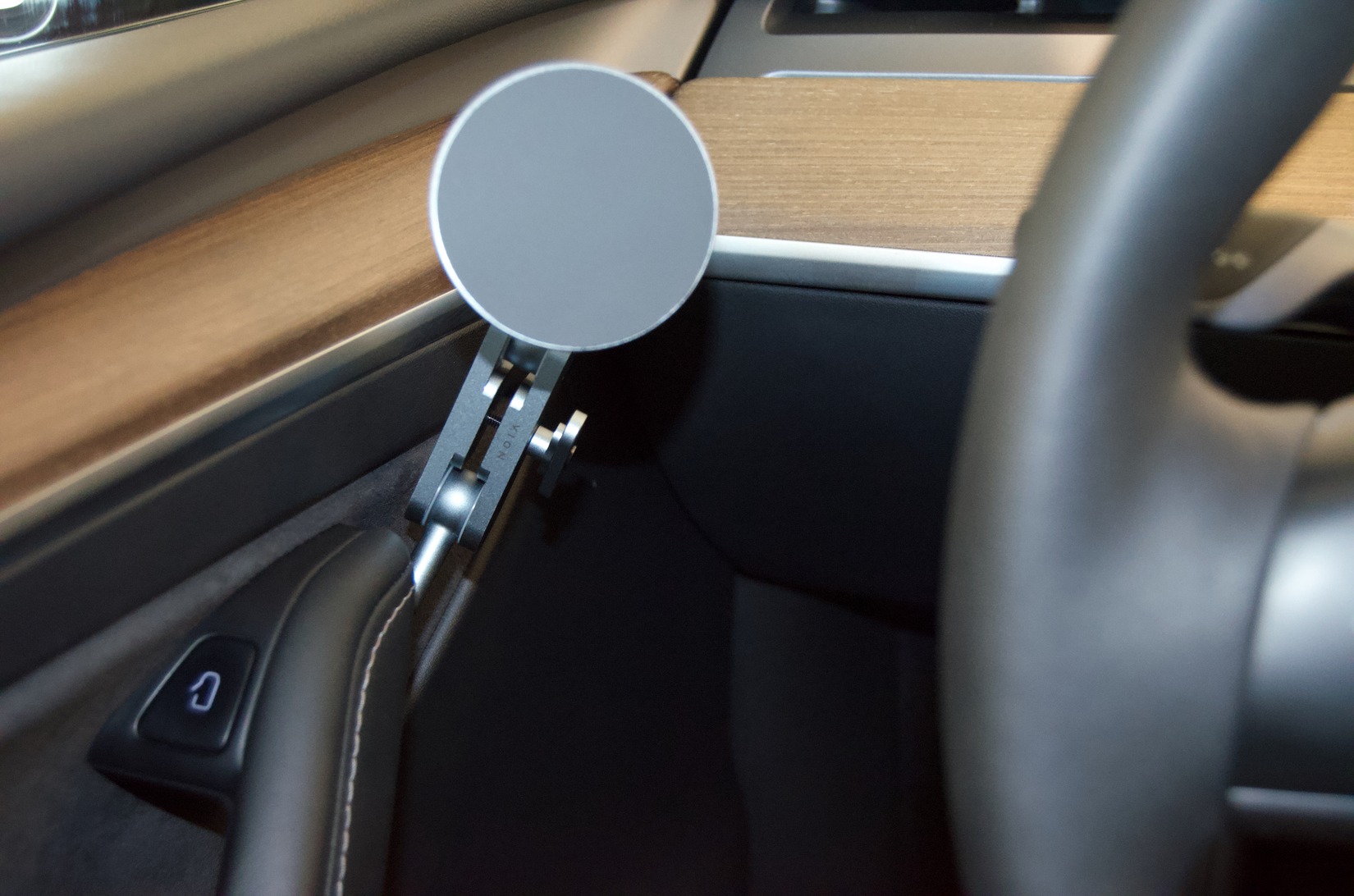
Voilà, all done — quick, super simple, and sleek.
We really like the all-around quality of this VION Magnetic Phone Mount. We've also partnered with VION to get 10% off everything on their site, with 2–3 day free shipping when you spend over $29 — cheaper than Amazon with the discount, and just as quick on shipping.
We personally also use their charging hub along with their moonroof shade. The moonroof shade in particular has been a game changer in the central Texas heat — easy install, high-quality materials, full coverage, and no sag.
Check out what other products VION carries for all Tesla models, and use code MODMYCO for a solid discount on your cart: www.vion.parts →
If these steps saved you some time or a return hassle, feel free to send a tip our way at venmo.com/bhaaaandari — it goes straight back into keeping modMY running and growing.
Steps above are based on a real, hands-on install of the VION Magnetic Phone Mount on a Tesla Model Y. Fit and factory bolt torque can vary slightly by production date, so go slow on removal if yours feels unusually tight.
This information is provided for reference only. modMY is not responsible for any damage, injury, or mechanical issues resulting from improper installation, stripped threads, lost hardware, or failure to follow proper procedure and safety precautions. Work on your vehicle at your own risk.